
InfoPath Fill or empty a repeating table in browser-based form by using code-behind
InfoPath is a powerful tool which can be customized by using rules or custom code behind. At one of my projects it was necessary to […]
InfoPath is a powerful tool which can be customized by using rules or custom code behind. At one of my projects it was necessary to […]
In this post i would like to share how you can distinguish between an item and a folder if you are using custom actions and […]
SharePoint 2013 comes along with lots of new features especially in the social area. But it also comes up with lots of features which are […]
There are 700.000 SP developers around the world Ok, but what about the number of so called power user? Write once and run everywhere Is […]
Today the European SharePoint Conference in Copenhagen starts with some workshops. I attend at Tutorial E: Architecting the Optimal Enterprise Search Strategy by Agnes Molnar; […]
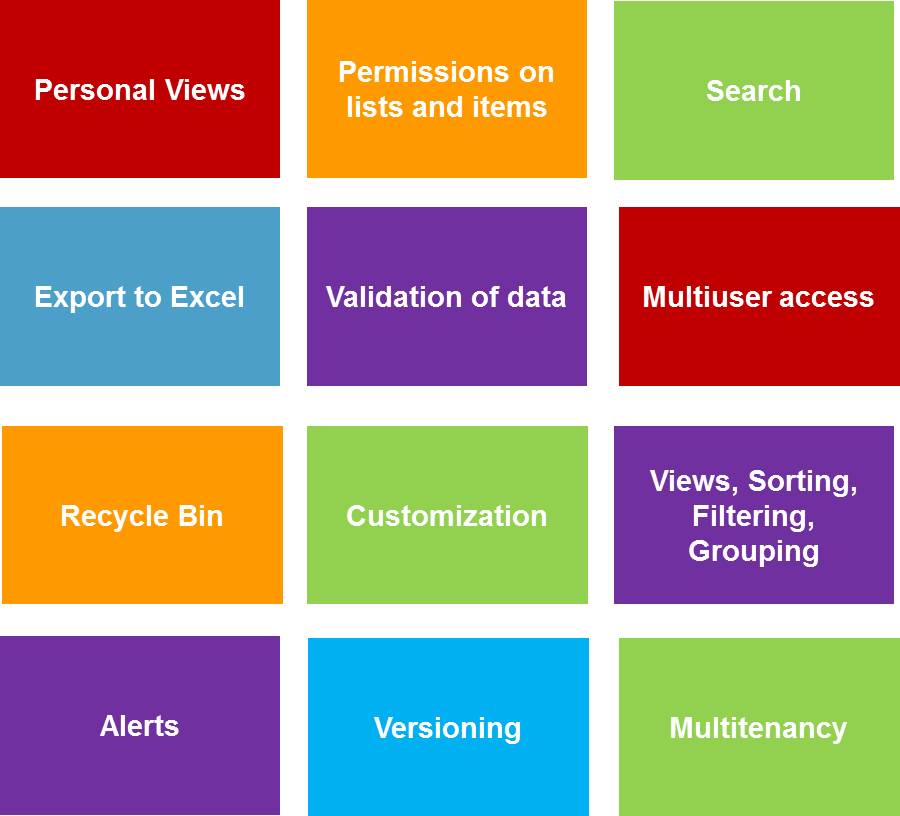
Ok, the subject lists or excel and why lists in sharepoint is discussed in many situations and you might find some nice posts about this […]
Well, that’s just an informing post. I think it is useful to know which features are available in SharePoint within the different versions. For example […]

I think that might be interesting. If you query a list – it doesn’t matter what kind of list – it returns the desired values… […]
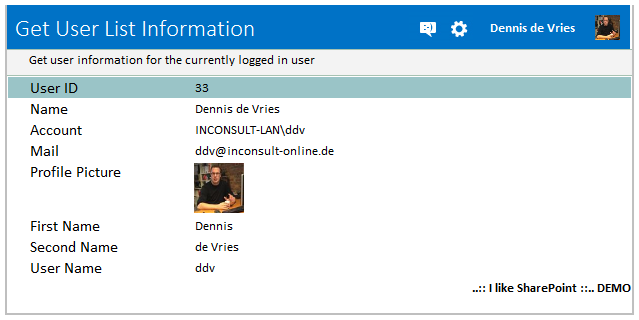
Sometimes you just want to use more information like just the user id within your InfoPath form. Now you are able to use the SharePoint […]
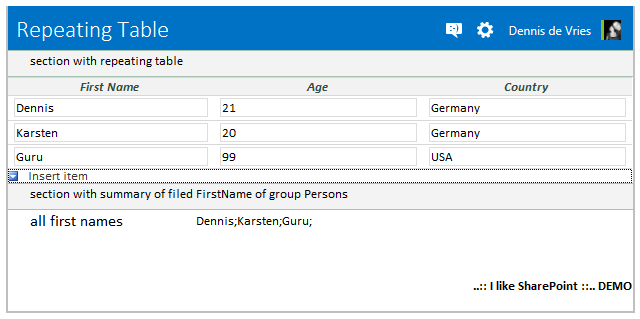
Expect that you will create a summary section of a repeating table. In this sample we want to get all first names of a repeating […]
Copyright © 2026 | WordPress Theme by MH Themes